
One-Page Recap
by XLuty Assistant · Productivity
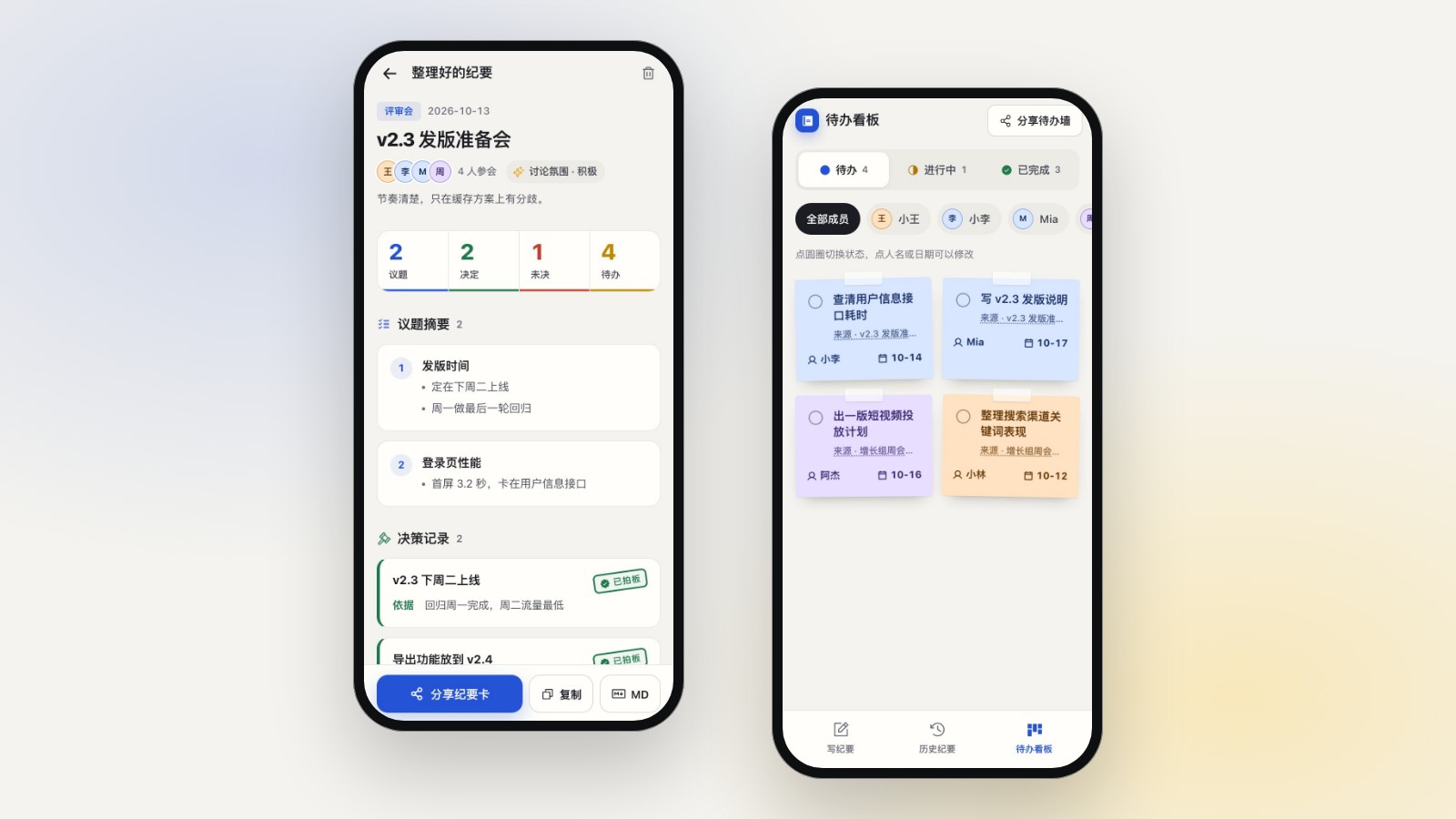
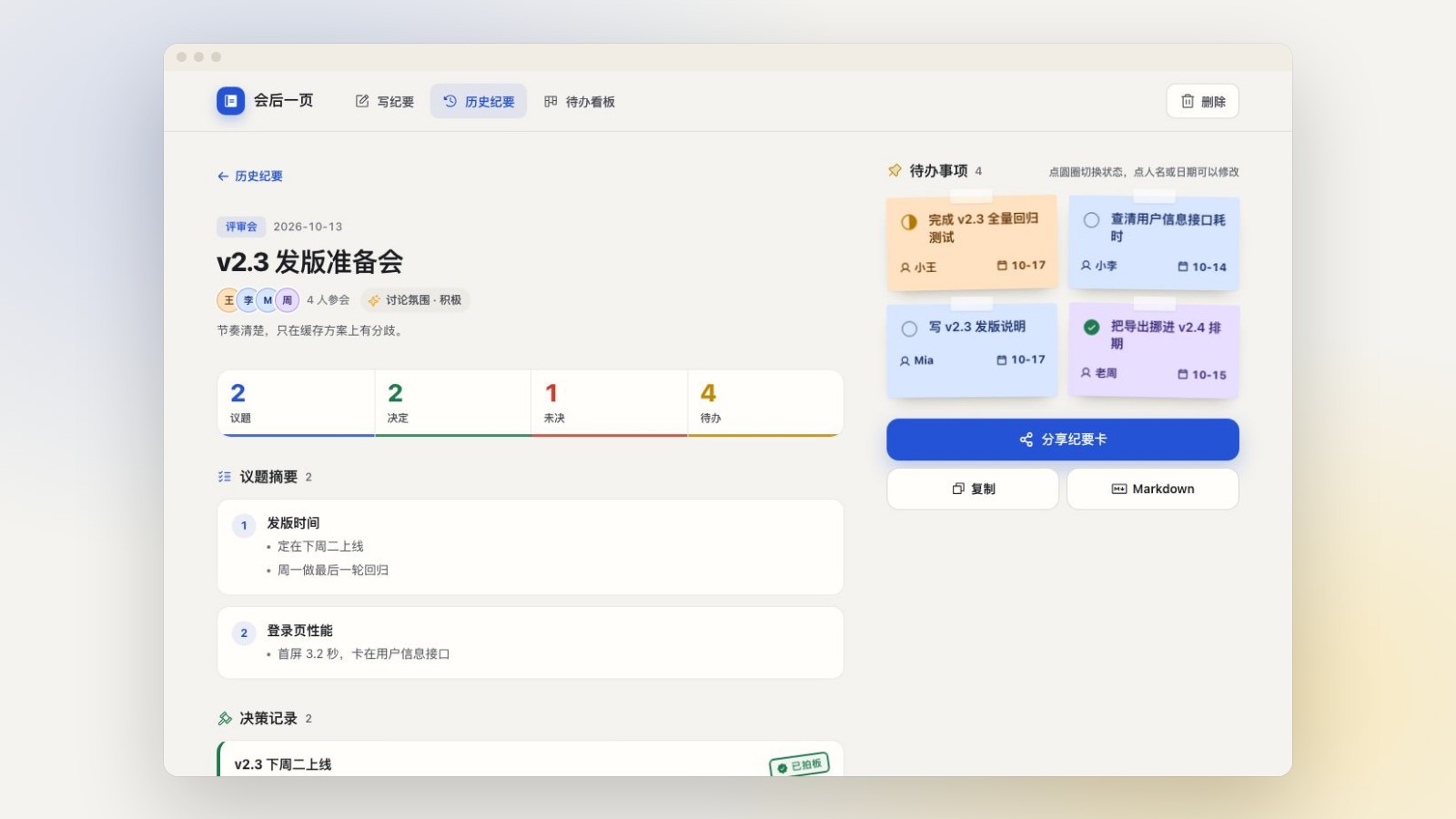
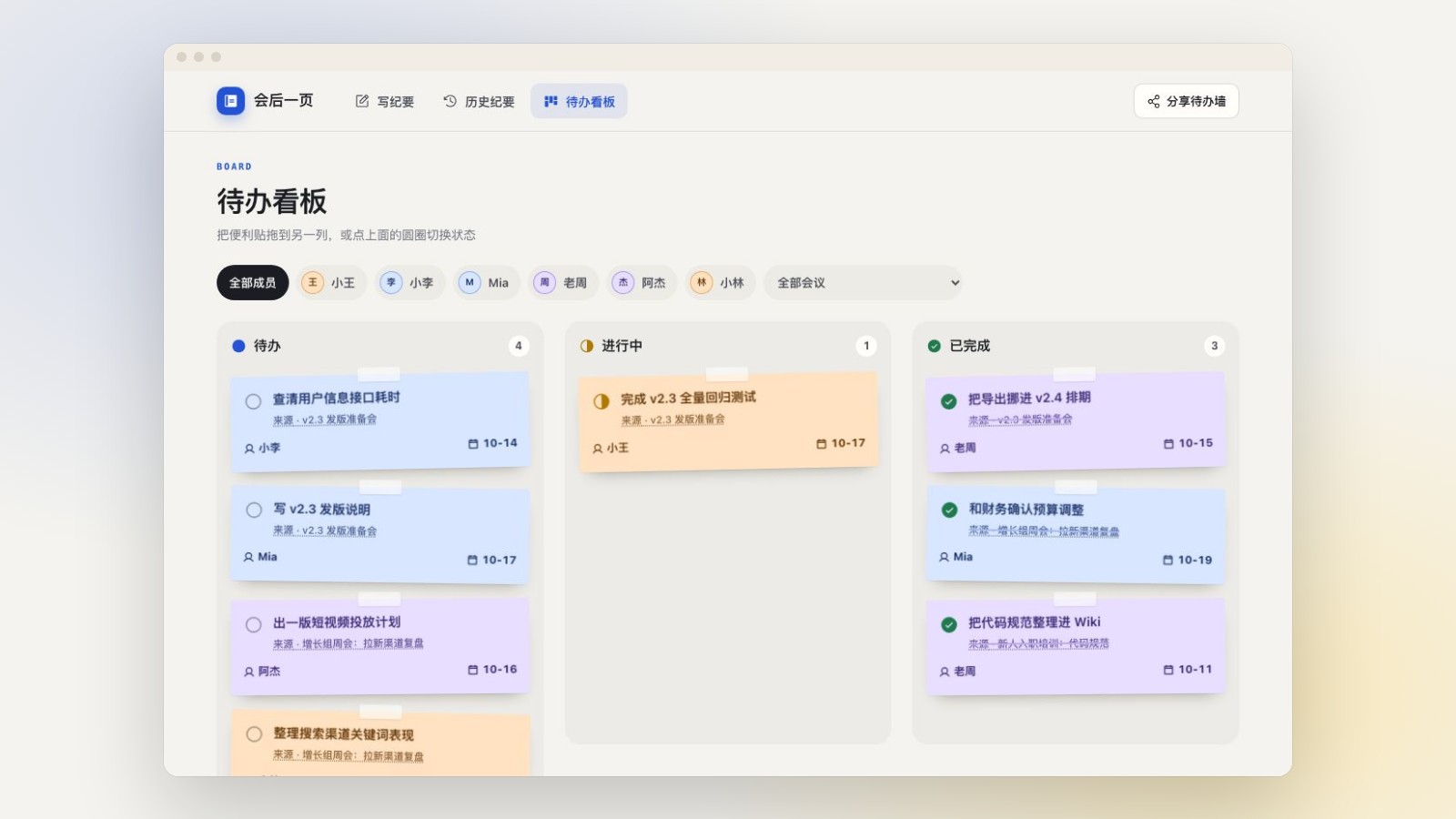
Paste messy meeting notes or a transcript, and the AI turns them into one page of minutes: topics, decisions, open questions, and to-dos on sticky notes (owner and date editable in place). A to-do board sorts them by progress; the minutes card and the board share as images, and every record can be exported.
What it does
- Paste messy meeting notes, or the text from a transcript
- The AI splits it into topics and finds the decisions, the open questions and the mood of the meeting
- To-dos go on sticky notes; change the owner and date right there
- A to-do board sorts them by progress: drag to change status, filter by meeting or person
- Share the minutes card or the board as an image; search and export every record
Open One-Page Recap — Free · runs in your browser, nothing to install
Questions
- Can I record or upload audio?
- Not yet: both are coming. For now paste text, such as a transcript from your recording app.
- How detailed are the minutes?
- Choose brief (for a daily update) or detailed (for a formal document).
- Do I need an account?
- You can see the sample without one. Making minutes needs an XLuty account; your minutes and to-dos are kept there and can all be exported.
Screenshots
Tags: 会议纪要 · 待办追踪 · 效率工具 · 职场助手 · meeting-minutes · action-items · productivity · ai-analysis